Your trades, with a link and a QR code.
Mark what you trade in your binders and share your trade binder with a link or a QR code. Visitors see what they're looking for highlighted and propose a trade with the balance in euros. Once you both confirm the trade, your collections update themselves. Free.
Trade binders on public profiles are visible without an account. To propose or receive trades you only need a free account.
Magic: The Gathering
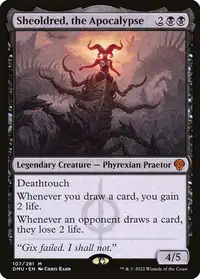
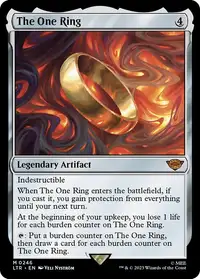
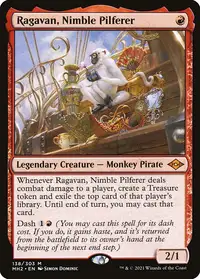
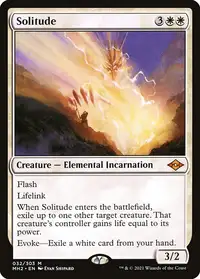
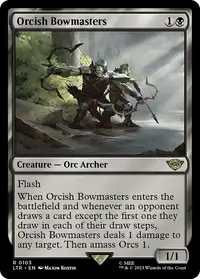
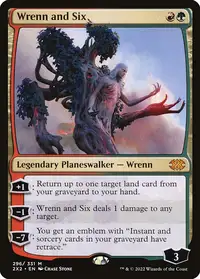
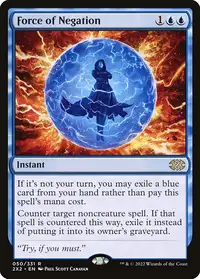
Mark what you trade and show it at the store.
Select pockets in your binders and mark them for trade, or share a whole binder. It all shows up in your public trade binder, with its link and its QR code.
- Your binder's QR code to show at the store, and the link to send anywhere you like
- “Looking for”: your wishlist and a free note at the top of the binder
- Flip through it page by page like a binder, or as a grid, with search and each copy's price and condition
- If you prefer, visitors without an account don't see prices or condition
- How many people are looking at it right now, and share it on the feed or from your profile
What you want, highlighted. What they want, too.
When you visit a trade binder with your account, the cards on your wishlist are marked. And if you have something the other player is looking for, Gatewatch tells you.
- “Useful to you”: the cards on your wishlist, highlighted in their binder
- Filter to only what you want and add it all to the proposal in one click
- The cards in your collection they're looking for, in a notice and in green when you choose what to offer
- Matches come from your collection and your wishlist: nothing extra to fill in
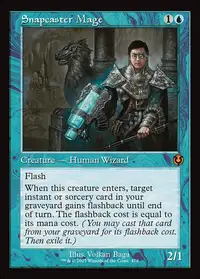
A proposal with the balance in euros.
Add their cards to the cart, choose what you offer from your collection and check the balance before you send it. With a message, if you like.
- Cardmarket price in euros, with the foil price for foil copies
- The balance shows who it favours, or whether it's even
- Offer from your whole collection, not just from what you have up for trade
- Without an account, visitors to your binder can message you on WhatsApp, Telegram or Instagram, if you add them to your profile
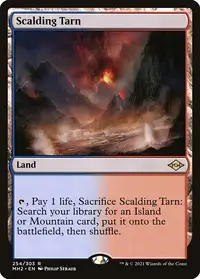
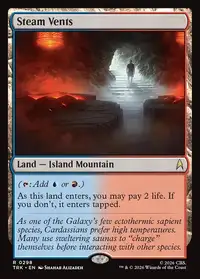
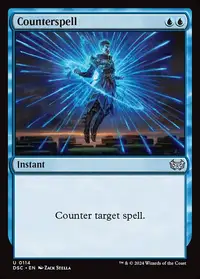
Accept, decline or make a counter-offer.
Received and sent proposals live in Trades. Whoever receives one accepts it, declines it or replies with a counter-offer, and every proposal has its own messages.
- Counter-offer: change quantities, remove cards or add others by name
- Messages inside the proposal, to arrange where to meet
- Notifications in Gatewatch and by email at every step; email can be turned off in Settings
- While it's pending, you can withdraw a proposal you sent
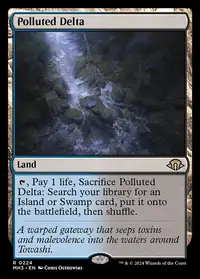
Cards located. Collection updated on its own.
When you accept, Gatewatch tells you which binder, page and pocket holds each card you give, and those copies show as “Reserved”. Once you both confirm you've swapped the cards, your collections update.
- Locator: each card's binder, page and pocket, and tick it off once it's pulled
- Committed copies show as “Reserved” in your binders
- With both confirmations, what you give leaves your collection and your binders, and what you get lands in your Inbox
- Until then, either of you can cancel and no card moves
Frequently asked questions
Is it free?
Yes. The trade binder, wishlist matches, proposals, counter-offers and messages are free with an account. Trade binders on public profiles are visible without an account.
Do visitors to my binder need an account?
To see it, no. To propose a trade, yes; without an account they can message you on WhatsApp, Telegram or Instagram if you add them to your profile. You decide whether visitors without an account see prices and condition.
Which prices does the balance use?
Each card's Cardmarket price in euros, with the foil price for foil copies. It's a reference: the deal is yours to make.
How does my collection get updated?
When you both confirm “Trade done”. The cards you give leave your collection and your binders, and the ones you get land in your Inbox with their finish, condition and language, ready for you to sort. Anything that can't be moved (say, a hand-typed line that isn't a card in the collection) stays as it was, and we tell you.
Is there a mobile app?
The website works on your phone, and your trade binder opens from the QR code without installing anything. The Android and iOS apps are coming soon.
Your trade binder,
ready for the store.
Create your free account, mark what you trade in your binders and show the QR code next time you go to play.